Imagine someone in Salt Lake types “digital marketing agency near me” or someone in Behala searches “best dentist near me” on their phone. Within seconds, Google shows a map with three businesses on it. Those three businesses get most of the calls, direction requests and website visits. The rest are almost invisible.
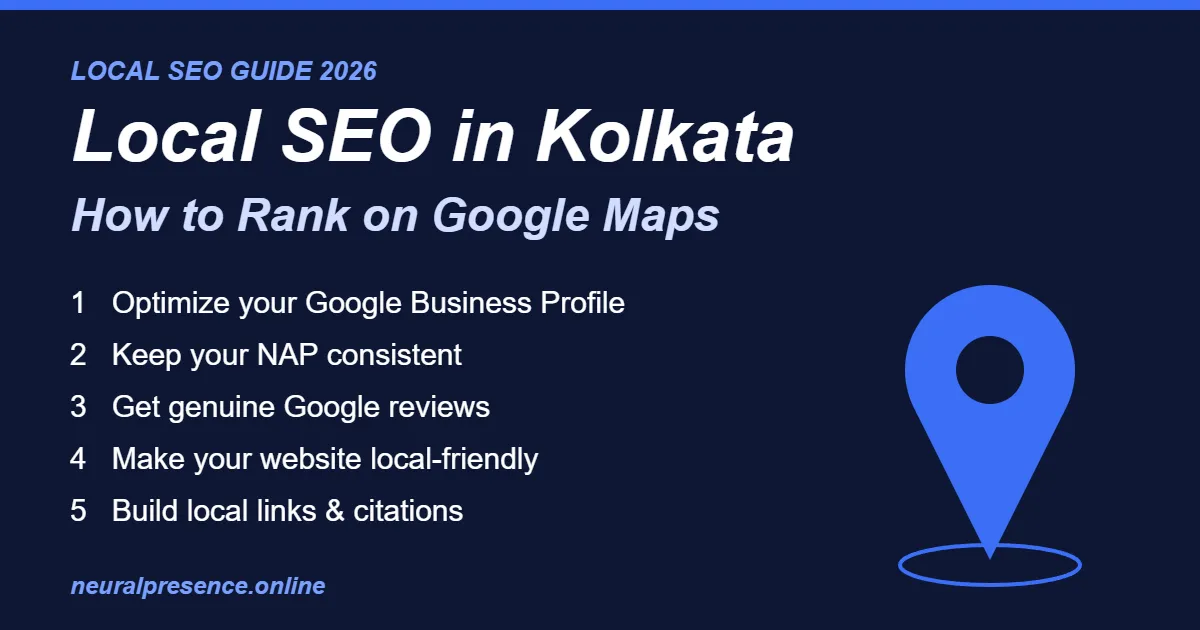
That is what local SEO in Kolkata is all about: making sure your business is one of those three. In this step-by-step guide, we explain how Google ranks local businesses, and exactly what you can do in 2026 to rank your business on Google Maps — whether you run a shop in Gariahat, a clinic in New Town or a coaching centre in Dum Dum.
Table of Contents
What Is Local SEO (and Why It Matters for Kolkata Businesses)?
Local SEO in Kolkata is the process of optimizing your online presence so that your business appears when people nearby search for the products or services you offer. Unlike regular SEO, which competes for visibility across India or the world, local SEO focuses on a specific area — your city, your neighbourhood, or the few kilometres around your shop.
Map Pack vs Organic Results
For most local searches, Google shows two kinds of results:
- The Local Map Pack – a map with three business listings, showing ratings, opening hours, phone numbers and directions. These come from Google Business Profile.
- Organic results – the regular blue links below the map. These come from websites.
Good local SEO helps you appear in both. The Map Pack sits at the very top of the page, so it is usually the most valuable spot for a local business.
Why “Near Me” Searches Matter
Customers rarely type “plumber in Kolkata” anymore. They type “plumber near me”, “restaurant open now” or simply “cake shop” — and Google uses their location to show nearby options. People making these searches usually want to buy, call or visit soon. That makes local search traffic some of the highest-intent traffic a small business can get.
How Google Decides Local Rankings
According to Google’s own guidelines, local results are based mainly on three factors:
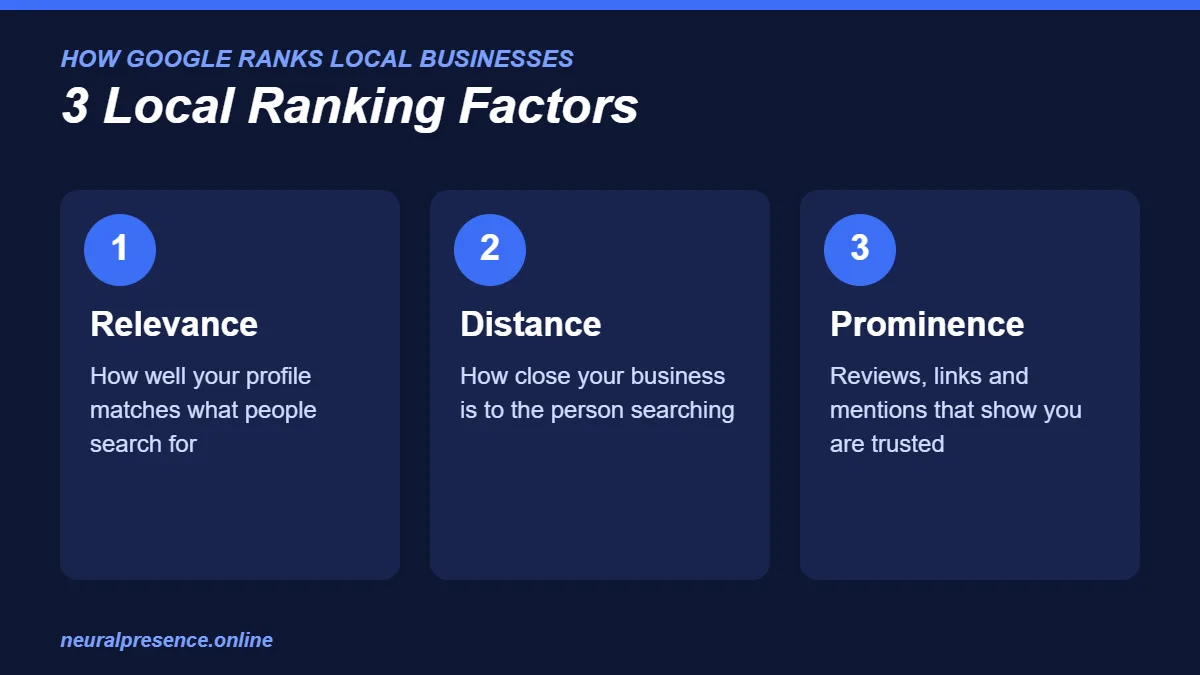
- Relevance – how well your business profile matches what the person is searching for.
- Distance – how far your business is from the searcher (or from the location mentioned in the search).
- Prominence – how well-known and trusted your business is, based on reviews, links, mentions across the web and your overall online presence.
You cannot change your distance from a customer, but you can strongly improve your relevance and prominence. Every step of local SEO in Kolkata below is designed to do exactly that.
Step 1: Set Up and Optimize Your Google Business Profile
Your Google Business Profile (GBP, formerly Google My Business) is the single most important factor for ranking on Google Maps. It is free, and yet many Kolkata businesses leave it half-finished — which is the easiest local SEO win you can grab.
Choose the Right Primary Category
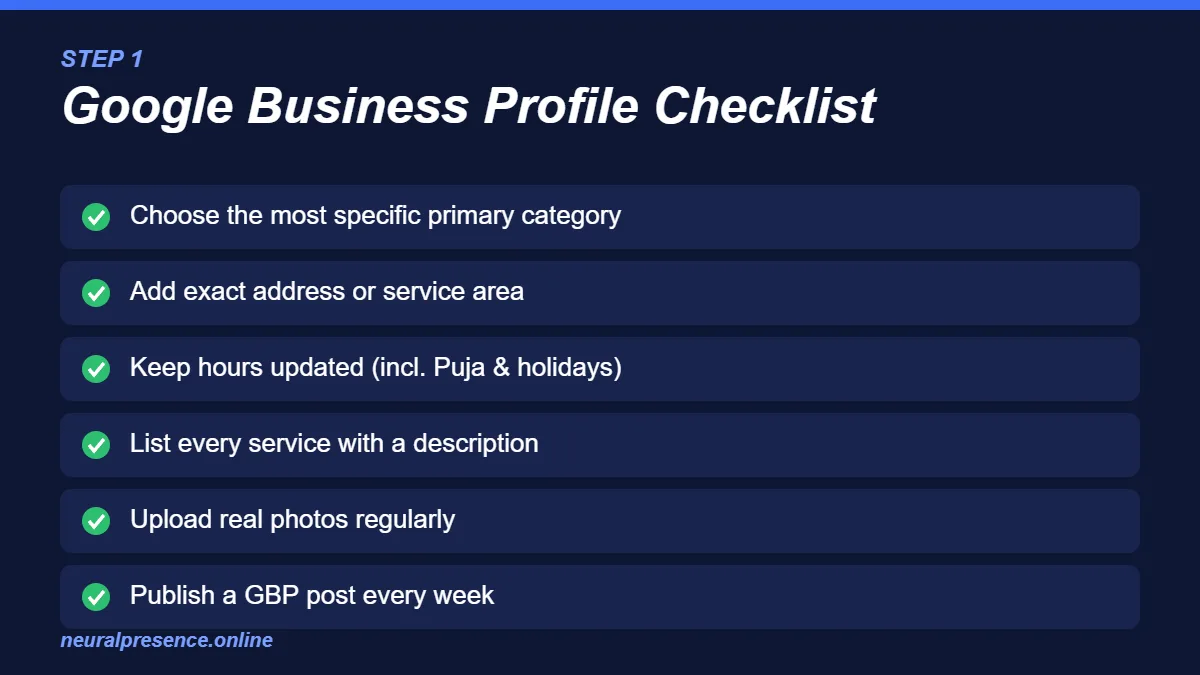
Your primary category tells Google what your business is. Pick the most specific option available — for example, “Pediatric Dentist” instead of just “Dentist”, or “Bengali Restaurant” instead of “Restaurant”. Then add relevant secondary categories for your other services.
Complete Every Section
- Business name: use your real business name only. Do not stuff keywords into it — this can get your profile suspended.
- Address and service area: enter your exact address. If you visit customers instead (like a pest control or AC repair service), set a service area covering the localities you serve.
- Phone number and website: use a local number that is answered during business hours.
- Opening hours: keep them accurate, including special hours for Durga Puja, Diwali and other holidays.
- Business description: explain what you do, who you serve and where, in natural language.
- Services and products: list each one separately with a short description and, if possible, a price.
Add Real Photos Regularly
Upload genuine photos of your storefront, interior, team, products and work. Businesses with real, recent photos look more trustworthy to customers, and an active profile signals to Google that your business is operating.
Publish Google Business Profile Posts
Use GBP posts to share offers, events, new products and updates — at least once a week if you can. Posts keep your profile fresh and give customers another reason to choose you.
Don’t have time to manage all of this? Our Google Business Profile management services handle setup, optimization, posting and review management for you.
Step 2: Keep Your NAP Consistent Everywhere
NAP stands for Name, Address and Phone number. Google cross-checks this information across the web. If your business is listed as “Sharma Electronics, 12 Lenin Sarani” in one place and “Sharma Electricals, 12/1 Lenin Sarani Road” in another, Google becomes less confident about your details.
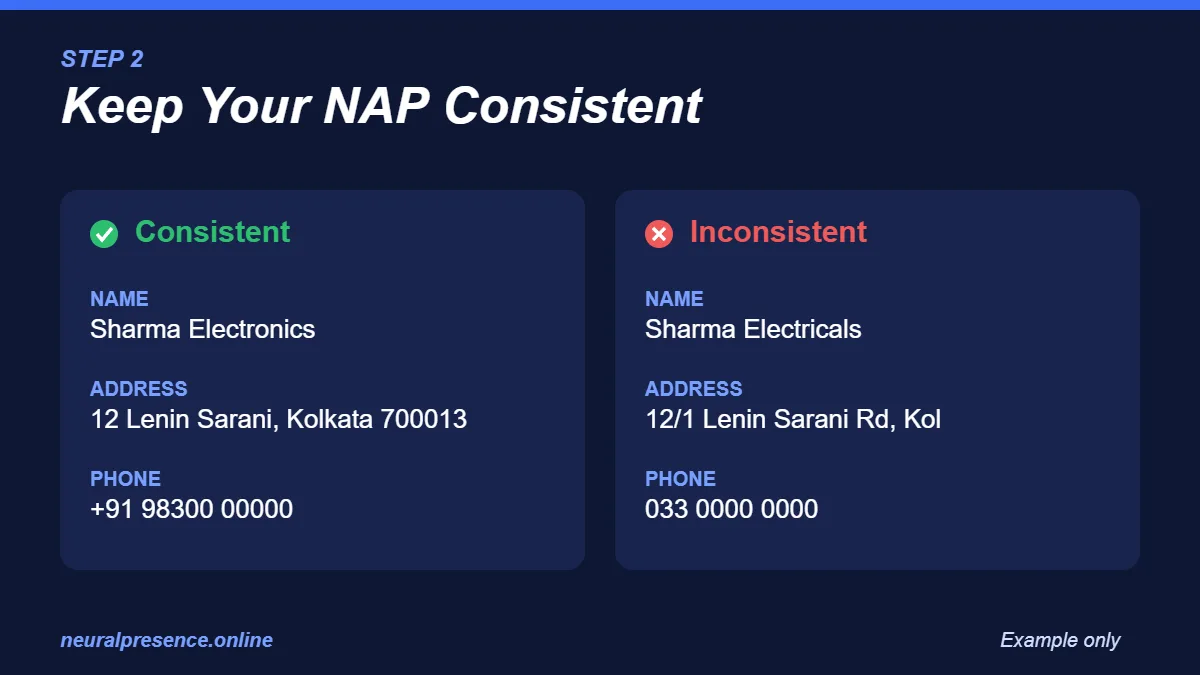
Make sure your NAP is written exactly the same way on:
- Your website (footer and contact page)
- Google Business Profile
- Facebook and Instagram pages
- Indian business directories such as Justdial, Sulekha and IndiaMART
- Industry-specific platforms (e.g. Practo for doctors, Zomato or Swiggy for restaurants)
These listings are called citations. Accurate, consistent citations build trust with both Google and customers.
Step 3: Get More (and Better) Google Reviews
Reviews are one of the strongest prominence signals — and one of the first things customers look at. A business with many recent, detailed reviews usually wins the click over one with a handful of old ones.
How to Ask for Reviews the Right Way
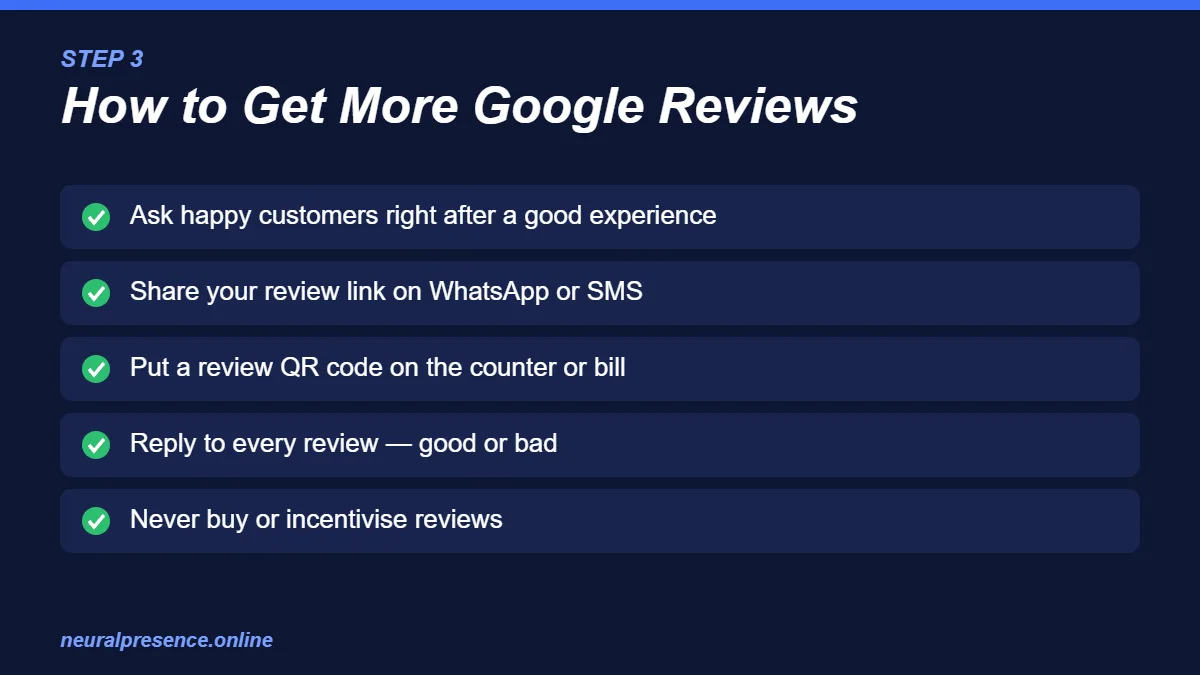
- Ask happy customers in person right after a good experience.
- Send your direct review link on WhatsApp or SMS — it takes them straight to the review box.
- Add a QR code linking to your review page at your counter or on your bill.
- Never buy fake reviews or offer discounts in exchange for positive reviews. This violates Google’s policies and can lead to reviews being removed or your profile being penalised.
Reply to Every Review
Thank customers for positive reviews, and respond calmly and helpfully to negative ones. Future customers read your replies — a professional response to a complaint can actually build trust.
Step 4: Optimize Your Website for Local Search
Your Google Business Profile links to your website, and Google uses your website to understand your business better. A fast, well-structured website supports your Maps ranking and helps you rank in organic results too.
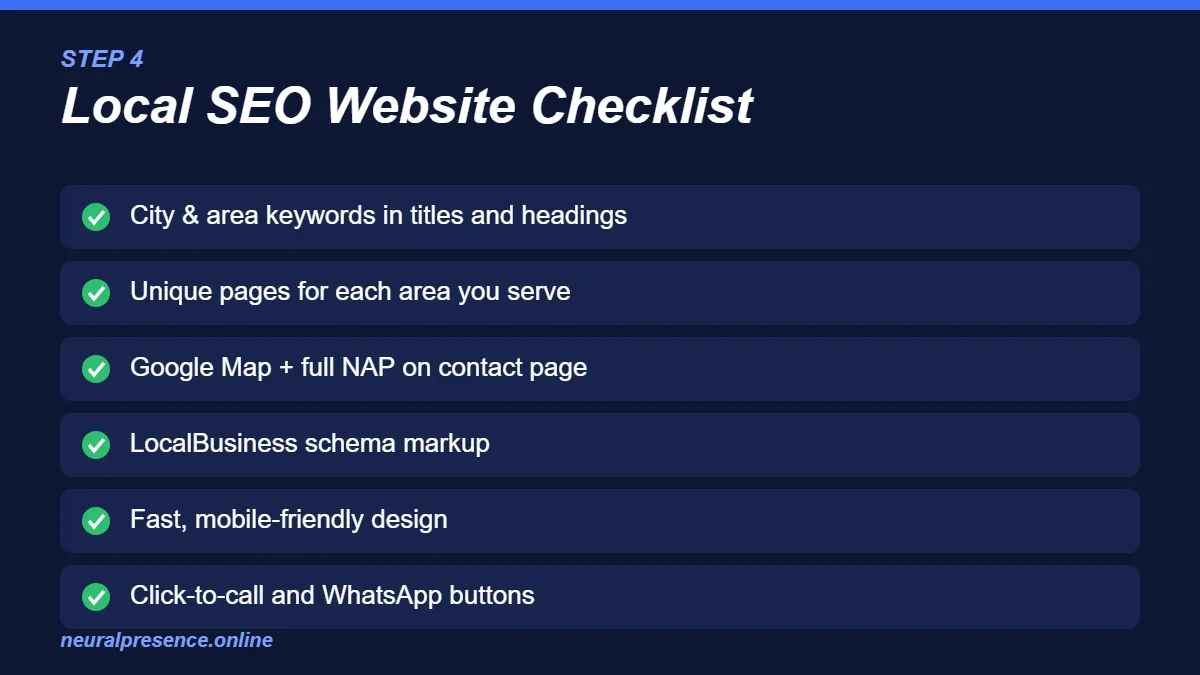
- Add location keywords naturally: include your city and area in page titles, headings and content — for example, “Interior Designer in New Town, Kolkata”.
- Create location or service-area pages: if you serve several areas such as Salt Lake, Park Street and Howrah, create a useful page for each with genuinely unique content — not copy-pasted text with the area name swapped.
- Embed a Google Map on your contact page and show your full NAP.
- Add LocalBusiness schema markup so search engines can read your business name, address, phone, hours and location accurately.
- Make it mobile-friendly and fast: most local searches happen on phones. A slow site loses customers before it even loads.
- Add click-to-call and WhatsApp buttons so visitors can contact you instantly.
If your current website is slow or outdated, our website development services can build a fast, SEO-ready site designed to turn visitors into enquiries.
Step 5: Build Local Backlinks and Mentions
Links and mentions from other trusted local websites tell Google your business is well-known in the area. Some practical ideas for Kolkata businesses:
- Get listed on your trade association or chamber of commerce website.
- Sponsor a local para Puja, sports event or college fest and ask for a mention on their website or social pages.
- Partner with complementary local businesses — for example, a wedding photographer and a banquet hall — and feature each other.
- Share useful local insights with Kolkata news portals and blogs.
- Write helpful guest posts for local or industry blogs.
Common Local SEO Mistakes Kolkata Businesses Make
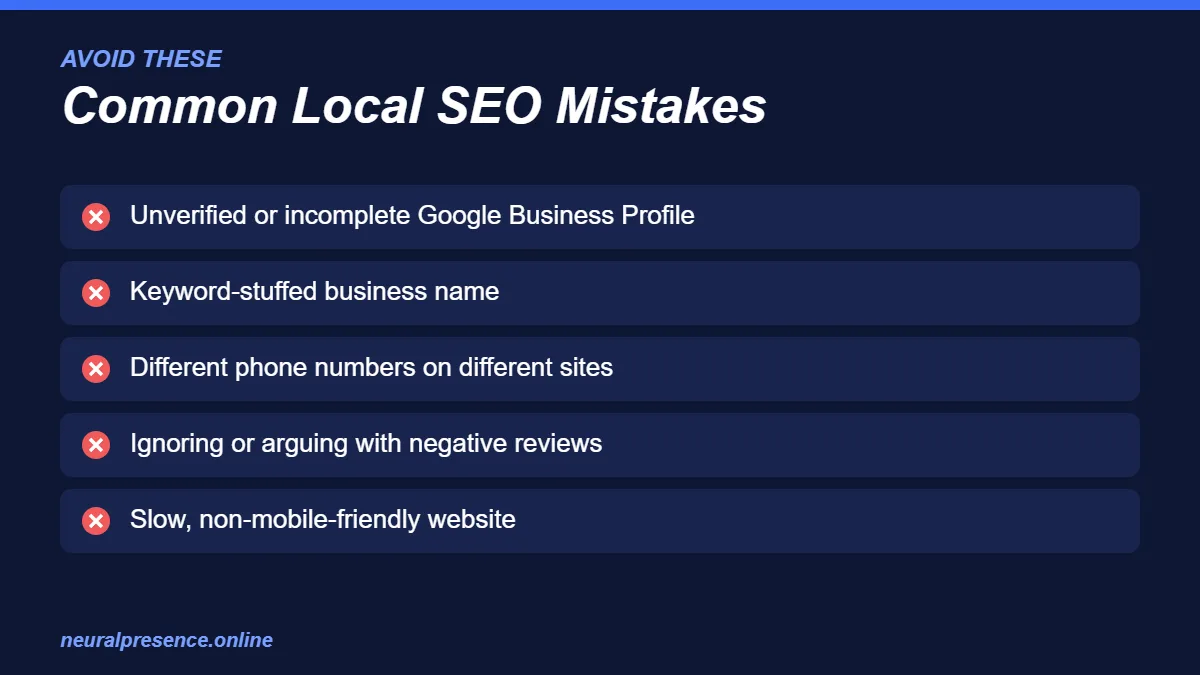
- Leaving the Google Business Profile unverified or incomplete.
- Stuffing keywords into the business name (e.g. “ABC Best Cheap AC Repair Kolkata”) — this risks suspension.
- Using different phone numbers or addresses on different platforms.
- Ignoring negative reviews or replying angrily.
- Never updating the profile after the first setup.
- Having a slow, non-mobile-friendly website — or no website at all.
- Expecting overnight results and giving up after a few weeks.
How Long Does Local SEO Take?
There is no fixed timeline — it depends on your competition, your location, and how well your profile and website were set up before. Basic fixes such as completing your profile and correcting your NAP can help fairly quickly, while building reviews, citations and local authority is an ongoing effort over several months. Be cautious of anyone who guarantees a number-one ranking — nobody can promise that, because Google controls the results.
DIY vs Hiring an Agency for Local SEO in Kolkata
You can do a lot of local SEO yourself, especially if you have a single location and some free time each week. The steps in this guide are a solid starting point.
Hiring an agency makes sense when:
- You operate in a competitive category (doctors, lawyers, restaurants, real estate, education).
- You have multiple branches across Kolkata.
- You don’t have time to post, track and respond regularly.
- You want local SEO combined with website, content and ads strategy.
Wondering about budget? Read our guide on digital marketing cost in Kolkata, or explore our SEO services to see how we help local businesses grow.
Frequently Asked Questions About Local SEO in Kolkata
How much does local SEO cost in Kolkata?
It depends on your industry, competition and how many locations you have. Small businesses often start with a monthly package covering Google Business Profile management, citations and on-page fixes, while competitive or multi-location businesses need a larger plan. Contact us for a free quote based on your business.
Can I rank on Google Maps without a website?
Yes, a well-optimized Google Business Profile can appear on Google Maps without a website. However, having a fast, relevant website usually strengthens your ranking and helps convert visitors into customers.
How many reviews do I need to rank on Google Maps?
There is no magic number. What matters is having steady, genuine and recent reviews compared to your local competitors. Focus on consistently asking satisfied customers for feedback.
Is Google Business Profile free?
Yes. Creating and managing a Google Business Profile is completely free. You only pay if you choose to run Google Ads or hire someone to manage it for you.
What is the difference between local SEO and regular SEO?
Regular SEO aims to rank your website for searches across a wider region or country. Local SEO focuses on searches with local intent — such as “near me” searches or searches with a city or area name — and includes Google Maps and Google Business Profile optimization.
Ready to Rank Your Business on Google Maps?
Local SEO in Kolkata is one of the most cost-effective ways for businesses to get more calls, walk-ins and enquiries. Start with your Google Business Profile, keep your NAP consistent, collect genuine reviews and make your website local-friendly — and stay consistent.
Want experts to handle it for you? Neural Presence helps Kolkata businesses improve their visibility on Google Maps and search. Get a free local SEO consultation today or call us at +91 70033 56833.

One reply on “Local SEO in Kolkata: How to Rank Your Business on Google Maps in 2026 (Step-by-Step Guide)”